How to Stream a Sports Game (Without a Full Production Crew)
Key Takeaways
- You don't need a camera crew, a switcher, or an encoder to stream a sports game — a smartphone and the right app are enough for amateur and youth club broadcasts.
- The real steps that matter: check your connection, set up your scoreboard, mount your phone, and hit record — most complexity in other guides comes from equipment you don't actually need.
- A stable 4G/5G connection or venue Wi-Fi with a few Mbps upload is all it takes; a mobile hotspot as backup is a smart move for important matches.
- Testing before game day matters more than gear — a quick practice run beats an expensive setup you don't know how to use.
Most streaming guides are written for TV production teams — not for a parent, coach, or volunteer with a phone and fifteen minutes before kickoff. If you've searched "how to stream a sports game" and found yourself reading about capture cards, video switchers, and multi-camera setups, you've hit the wrong guide. Here's the version built for the other 95% of games — the ones played on local fields and in community gyms, where the whole production team is one person with a smartphone.
What You Actually Need
Forget the gear list. Here's what really matters:
- A smartphone — that's your camera, your encoder, and your control room, all in one.
- A stable connection — 4G/5G data or venue Wi-Fi. A few Mbps of upload is enough for a smooth stream.
- Something to keep your phone steady — a tripod or fence mount helps, but isn't required to get started.
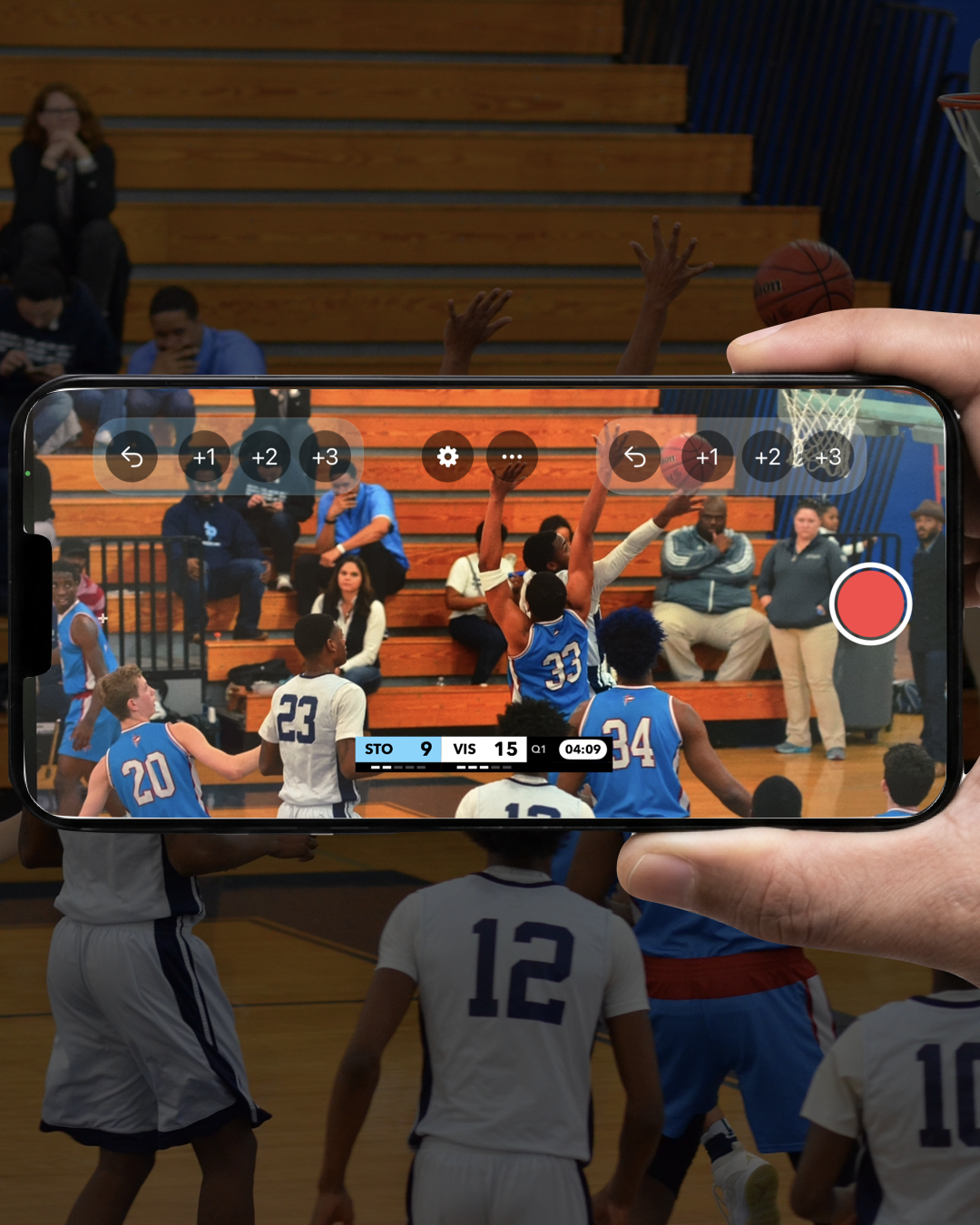
- A streaming app built for sports — this is what turns raw footage into a broadcast, with a scoreboard, team branding, and a direct connection to YouTube, Twitch, or wherever your audience already is.
That's it. No switcher, no separate encoder, no second operator required.
The Steps That Actually Matter
1. Check Your Connection Before Game Day
Streaming quality depends entirely on upload speed, not download. If you're not sure about the venue's Wi-Fi, test it a day or two before — or plan to use mobile data instead. A dead spot you discover at kickoff is a problem; one you discover on Tuesday isn't.
2. Set Up Your Scoreboard
Enter your team names, colors, and logos before the game — not during it. Most sport-specific apps load the right scoring format automatically (quarters for basketball, innings for baseball, halves for soccer), so you're not building a scoreboard from scratch every time.
3. Mount Your Phone Where the Action Is
A sideline view close to the play works better than a wide shot from the stands. If you have a tripod or fence mount, use it — a stable shot matters more than a fancy angle.
4. Hit Record, Then Focus on the Game
Once you're live, your job is to follow the action — not to babysit the technology. A well-built app should update the score, run the clock, and handle transitions on its own, so you can actually watch the game while you film it.
5. Don't Skip the Practice Run
Every guide on live production agrees on this one thing: test before you go live. Even a five-minute trial run — checking your framing, your connection, and your scoreboard setup — catches problems before they happen in front of an audience.
What You Don't Need (Even Though Other Guides Say You Do)
Most streaming guides are written for stadiums, arenas, and broadcast trucks — not for a Saturday morning youth match. Here's what you can safely skip:
- A video switcher — useful if you're cutting between multiple camera angles live. Most amateur games only have one camera: yours.
- A separate encoder — modern streaming apps handle this internally. You don't need a second device to convert your footage into a stream.
- An audio mixer — unless you're adding commentary from multiple microphones, your phone's built-in mic is enough for capturing game sound.
- A dedicated production crew — one person, phone in hand, can run an entire broadcast start to finish.
Your Next Home Game Is the One to Try It On
You don't need to plan a full broadcast strategy before your first stream. Pick your next game, set up your scoreboard the day before, test your connection, and hit record. The families who can't be there will notice the difference — even if your setup is just a phone and a tripod.
Frequently Asked Questions
Do I need a professional camera to stream a sports game?
No. A modern smartphone camera is more than capable of streaming a sports game in HD. What matters more is a stable shot and good lighting — not the camera itself.
What upload speed do I need to stream sports?
A stable connection with at least a few Mbps of upload speed is generally enough for a smooth stream. If venue Wi-Fi is unreliable, 4G/5G mobile data works just as well, and a mobile hotspot is a good backup for important games.
Can one person run an entire sports livestream alone?
Yes — with the right app, one person can film, manage the scoreboard, and stream, all from a single phone. This is exactly how most amateur and youth club broadcasts work.
Which platforms can I stream a sports game to?
YouTube and Twitch are the most common choices for amateur sports, since that's where families and supporters already are. Many apps also support streaming to any RTMP-compatible service for more flexibility.